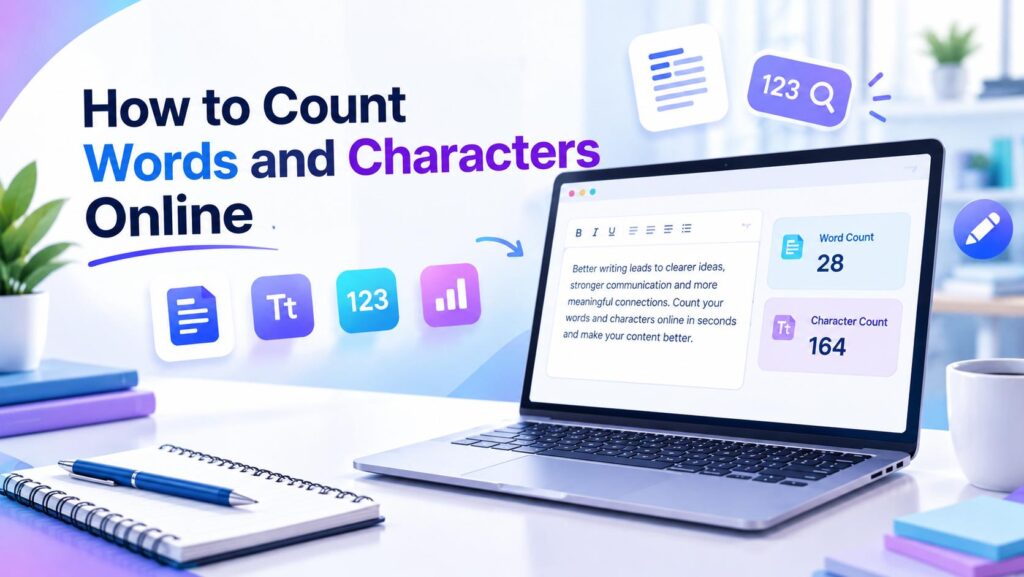
Count words online quickly when you need to check the length of articles, essays, social media posts, documents, or other written content. A free online tool can also show character count and spaces, making it easier to manage content length without counting everything manually.
Knowing the word and character count of your text can be useful when writing blog posts, essays, articles, social media content, applications, documents, and other types of digital content.
Instead of counting words manually, you can use a free online Word Counter to check your text instantly.
A word counter can also help you check characters and understand how much text you have written.
Table of Contents
ToggleWhat Is a Word Counter?
A Word Counter is an online tool that analyzes text and shows the number of words in it.
Depending on the tool, it may also display additional information such as:
- Character count
- Characters with spaces
- Characters without spaces
- Word count
- Paragraph information
This can make it easier to stay within a specific writing limit.
Try our Word Counter to check your text instantly.
If you need to count words online, a word counting tool can provide the result within seconds.
How to Count Words Online
Counting words online is simple.
Step 1: Prepare Your Text
Copy the text you want to analyze.
It could be:
- A blog post
- An essay
- A social media caption
- An email
- A document
- A product description
Step 2: Paste Your Text
Open an online word counter and paste your content into the text area.
Step 3: Check the Results
The tool can calculate the number of words and characters in your text.
You can then adjust your content according to your required word or character limit.
How to Count Characters Online
Character counting is different from word counting.
A character can include:
- Letters
- Numbers
- Punctuation
- Symbols
- Spaces
For example, a short sentence may contain several words but many more individual characters.
A Character Counter can help you check these numbers quickly.
For more detailed text analysis, try our Character Counter.
What Does “Word Count With Spaces” Mean?
Word count with spaces usually refers to character counting where spaces between words are included in the total character count.
For example, consider this sentence:
Online tools are useful.
The spaces between the words are characters too.
This distinction can be important when a website, form, application, or platform has a character limit.
If you need to check both words and characters, an online Word Counter can make the process much easier.
Word Count vs. Character Count
Word count and character count measure different things.
Word Count
Word count tells you how many words are contained in your text.
Character Count
Character count tells you how many individual characters are present.
Depending on the tool, character counts may be displayed:
- With spaces
- Without spaces
Both measurements can be useful depending on what you are writing.
Why Is Word Count Important?
Checking text length is useful for writers, students, bloggers, and content creators. A text-counting tool can quickly show the number of words and characters.
For example:
Blog Posts
Writers can use word count to monitor the length of articles and guides.
Essays and Assignments
Students may have minimum or maximum word requirements.
Social Media
Some platforms have limits on the amount of text that can be published.
Applications and Forms
Online forms may restrict the number of words or characters you can enter.
Professional Writing
Content writers can use word counts to organize and estimate the length of their work.
Students, writers, and content creators can count words online when they need to meet specific writing requirements.
Why Is Character Count Important?
Character limits are common across many digital platforms.
Character counting can help when preparing:
- Social media posts
- Headlines
- Meta descriptions
- Short messages
- Online forms
- Advertisements
- Product descriptions
Checking the character count before publishing can help prevent text from being cut off or rejected.
How to Check Word Count and Character Count at the Same Time
The easiest method is to use an online tool that provides both measurements.
Simply:
- Copy your text.
- Open the Word Counter.
- Paste your text.
- Review the word count.
- Check the character count.
- Edit your text if necessary.
You can use our free Word Counter to perform these checks quickly.
Word Count Example
Suppose you write:
Free online tools can make everyday digital tasks easier.
A Word Counter can calculate the number of words in the sentence.
At the same time, a character counter can show the number of characters in the text.
This makes it easier to understand the difference between word count and character count.
When Should You Use a Word Counter?
A word counter can be useful whenever you need to understand the size of your written content.
Common situations include:
- Writing blog articles
- Checking essays
- Preparing social media posts
- Creating website content
- Writing emails
- Preparing applications
- Creating product descriptions
- Checking text before publishing
You can count words online whenever a document, article, essay, or social media post has a specific length requirement.
Tips for Managing Word and Character Limits
If your text exceeds a required limit, try these simple steps:
Remove Unnecessary Words
Look for words that do not add useful meaning.
Shorten Long Sentences
Clear and concise sentences can make content easier to read.
Remove Repetition
Avoid repeating the same information unnecessarily.
Replace Long Phrases
Where appropriate, use shorter expressions without changing the meaning.
Check the Count Again
After editing, use a word and character counter to confirm that your content fits the required limit.
Students, writers, bloggers, and content creators can count words online whenever they need to meet a specific writing limit.
Frequently Asked Questions
Paste your text into an online Word Counter. The tool can calculate the number of words instantly.
Use a Character Counter or Word Counter that displays character information. It can show the total number of characters in your text.
Words themselves do not include spaces, but character counts may include spaces depending on the tool and the measurement being displayed.
It generally refers to a character measurement where spaces between words are included in the total.
Character limits are common in social media, forms, advertisements, descriptions, and other online content. Checking the count helps keep your text within the required limit.
Yes. Many online Word Counters provide both word and character counts in the same tool.
Try the Free Word Counter
Want to check your text now?
Use the Word Counter to quickly calculate words and characters in your content.
Explore Related Text Tools
Need more ways to work with text?
Explore these useful tools:
Character Counter
Count characters in your text with or without spaces for writing, social media, and other online tasks.
Case Converter
Convert text to uppercase, lowercase, title case, and other common formats in seconds.
Text Reverser
Reverse letters, words, or lines in your text quickly for creative, testing, and formatting purposes.
Remove Duplicate Lines
Quickly remove duplicate lines from your text and keep only unique entries.
Explore More Free Tools
Looking for more useful online utilities?
Explore Arzoo’s collection of free tools for calculations, text tasks, image processing, conversions, and other everyday digital needs.
More Free Tools from Prernaa Marketplace
Looking for more practical tools for content creation, social media, YouTube, writing, productivity, and digital marketing? Explore the Free Tools collection at Prernaa Marketplace for additional online utilities.